
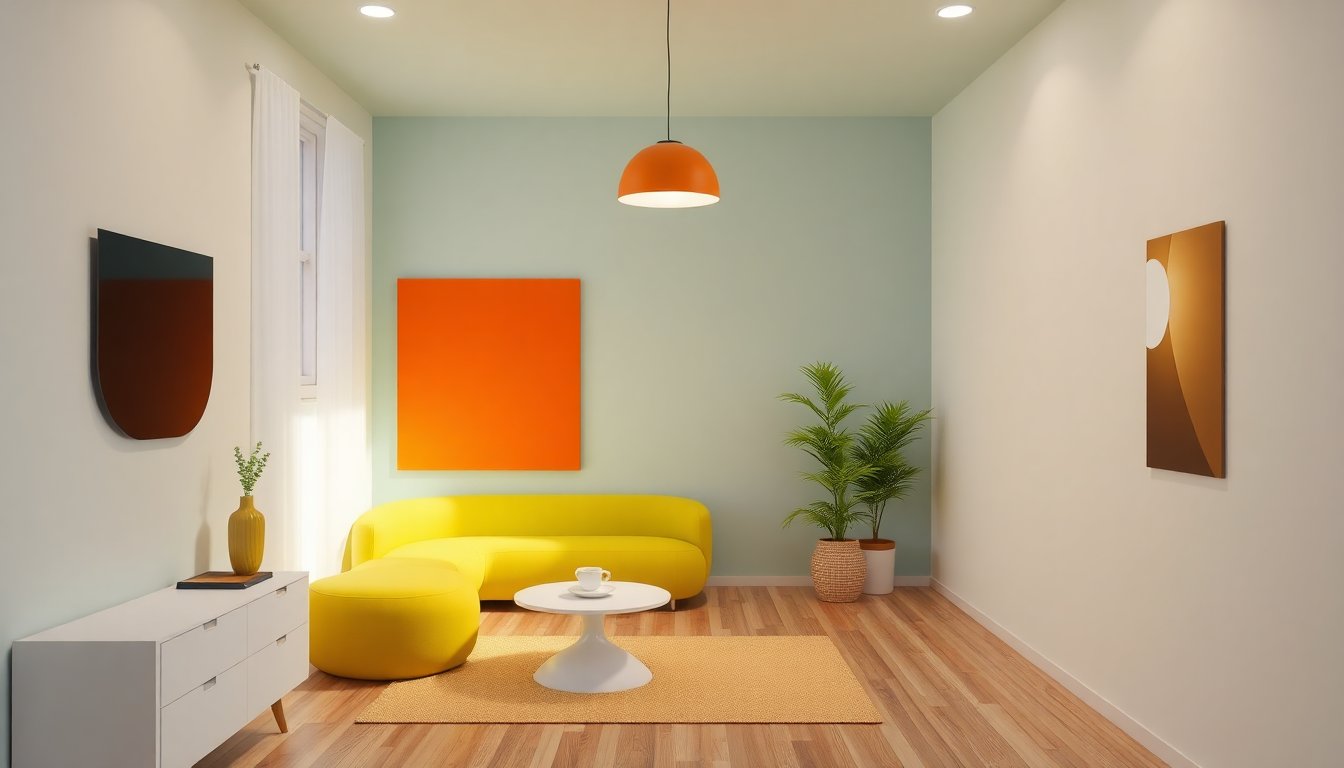
mood boards defstartup 3d virtual designer helps teams turn ideas into clear visual direction. The tool collects images, materials, and color into one view. Teams use the mood board to set visual rules before they model. This approach saves time and cuts rework. The guide explains what a mood board means, why it matters, how to build one, and common pitfalls when teams use DefStartup 3D Virtual Designer.
Key Takeaways
- DefStartup 3D Virtual Designer mood boards unify images, materials, and colors to establish clear visual direction before modeling.
- Mood boards reduce iterations and speed prototype delivery by aligning teams and stakeholders on style, scale, and tone early in the design process.
- Creating a mood board involves gathering high-quality visual assets, organizing layout with clear hierarchy, and defining materials, lighting, and colors for 3D realism.
- Attaching textures, lighting presets, and notes directly to the DefStartup mood board enables quick visual checks without full renders, saving time and effort.
- Effective mood boards focus on core concepts, maintain consistent naming and tagging, and allow flexibility for testing decisions in the 3D viewport.
- Regular stakeholder reviews of the mood board prevent late-stage rework and ensure design goals stay aligned throughout the project.
What A Mood Board Means In 3D Virtual Design
A mood board shows visual intent. It groups images, textures, and reference models. They show style, scale, and tone. In DefStartup 3D Virtual Designer, a mood board links 2D references to 3D assets. The board guides choices about form and detail. Designers use the board to align team members. Stakeholders view the board to approve direction before the team builds geometry. The process reduces guesswork and speeds decision cycles. The board also records choices for future revisions.
Why Mood Boards Matter For DefStartup 3D Virtual Designer Projects
Mood boards reduce iterations. They give designers a shared target. DefStartup 3D Virtual Designer lets teams attach textures, lighting presets, and material notes directly to the board. They check visual fit without full renders. The tool helps project managers set scope and designers estimate effort. Clients understand the look earlier. Teams avoid late changes to models and materials. The board speeds prototype delivery. It also helps new hires adopt a project style quickly.
How To Create An Effective Mood Board For 3D Virtual Design
They plan the board in three clear steps. First, they gather assets. Second, they organize layout and focus. Third, they set materials, lighting, and color. Each step locks a design decision and guides the build process below.
Gather Visual Assets: References, Textures, And Inspiration
They collect reference photos, sketches, and screenshots. They export texture maps and HDR images for lighting. They save sample 3D models or thumbnails. DefStartup 3D Virtual Designer accepts common file types so teams reuse existing work. They tag assets with keywords for fast search. They avoid low-quality images that mislead scale. They include real-world photos to show wear, seams, and joints. They keep a clear list of asset sources and license notes.
Build Composition And Hierarchy: Layouts, Thumbnails, And Focus
They place hero references in the top-left or center. They add smaller thumbnails for secondary details. They label each item with purpose and priority. DefStartup 3D Virtual Designer lets users drag and drop, resize, and lock regions. They create a visual flow that shows how elements relate. They highlight critical views such as user perspective or product scale. They keep each board readable at quick glance and in full-screen review.
Define Materials, Lighting, And Color Palette For 3D Realism
They list base materials, finish, and edge conditions. They attach sample textures and set roughness or specular notes. They add lighting presets and a primary HDR image for scene mood. They choose a color palette and record hex or PBR values. DefStartup 3D Virtual Designer links these notes to sample models so designers test materials in context. They run quick viewport checks to validate reflectance and shadowing before finalizing the model.
Best Practices And Common Pitfalls When Using Mood Boards In DefStartup
They set a clear goal for each board. They limit the board to the core concept to avoid noise. They keep file names and tags consistent. They back up source files and record versions. Common pitfalls include cluttered boards, mismatched scale, and vague material notes. They avoid overloading the board with unrelated inspiration. They avoid locking decisions too early: they leave room for testing in the 3D viewport. Teams review the mood board with stakeholders at scheduled checkpoints to prevent late rework.
About Author


