
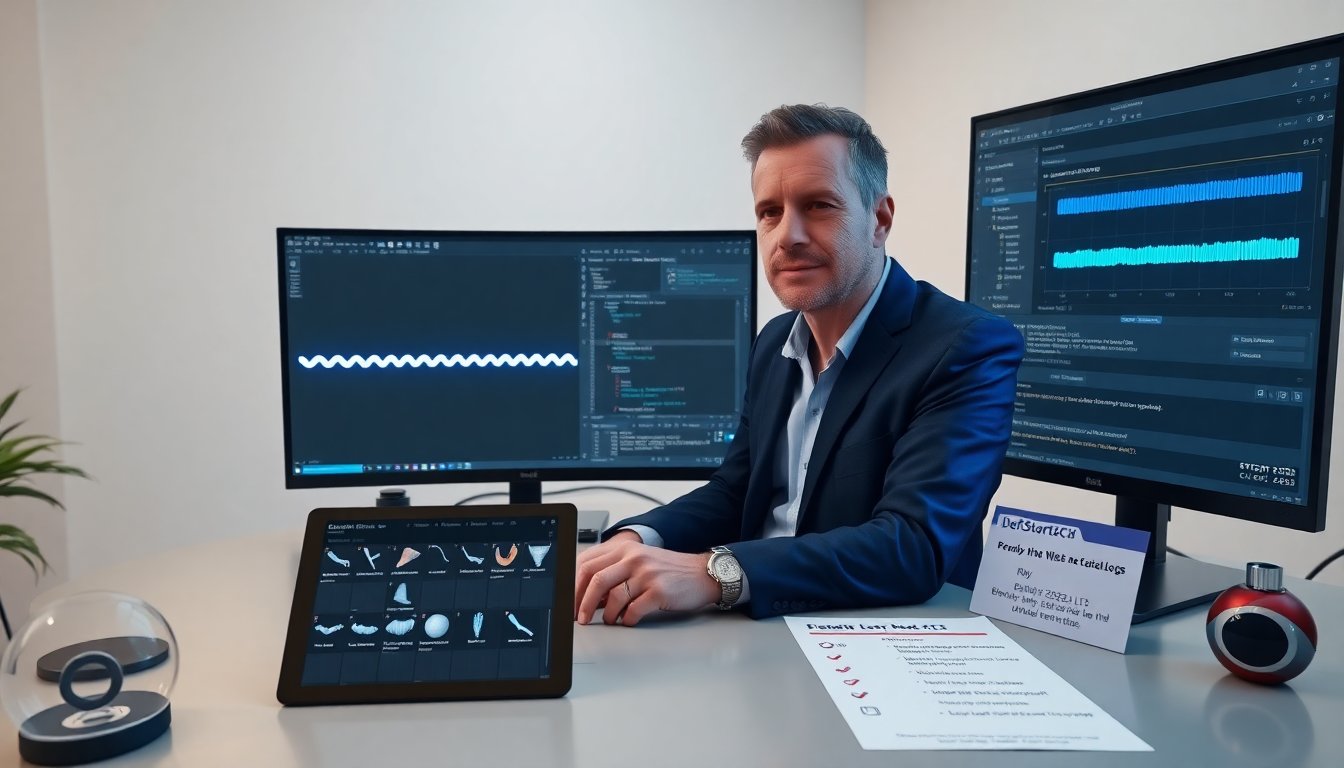
DefStartApx cyberlocs cyan neon tutorial shows how to make glowing locs quickly. The guide lists tools, files, and version notes. It explains mesh prep, shader building, and export tips. The guide uses clear steps and short commands. It targets artists who work in 3D hair, game assets, and real-time rendering.
Key Takeaways
- The DefStartApx cyberlocs cyan neon tutorial teaches creating glowing locs with efficient shader building and mesh preparation.
- Using a cyan neon shader with emissive maps and edge tinting enhances the cyberloc visual while maintaining performance by keeping shader nodes minimal.
- Proper mesh setup, including clean topology and consistent UVs, is crucial for applying the DefStartApx cyberlocs cyan neon shader effectively.
- Post-processing techniques like bloom, tone mapping, and chromatic aberration refine the neon glow to achieve a clean, readable look in various lighting environments.
- Exporting with LODs, GPU instancing, and texture optimization ensures good performance for real-time rendering of cyan neon cyberlocs.
- The tutorial suits 3D artists and developers familiar with UVs and materials aiming for quick, visually striking results using DefStartApx assets.
What This Cyan Neon CyberLocs Style Covers And Who It’s For
This section lists scope and audience. The tutorial covers shader creation, emissive maps, edge tinting, and export settings. The tutorial covers Unity and Unreal lighting setups and post effects. This tutorial suits modelers, technical artists, and indie devs. It suits artists who need fast visual results for scenes and avatars. It assumes basic knowledge of UVs, normal maps, and material nodes. It assumes access to DefStartApx asset packs and a 3D package such as Blender or 3ds Max. It does not require advanced scripting.
Required Tools, Files, And Version Compatibility
They list tools and file versions here. Required tools include DefStartApx CyberLocs pack, Blender 3.5+ or 4.0, Unity 2022.3 LTS or Unreal 5.3+. Required files include base loc mesh, hair guide curves, and example textures: albedo, normal, roughness, and emissive. They recommend PNG or TGA formats for emissive. They recommend linear color space for rendering. They advise saving a copy before changes. They note that older engine versions may not support real-time translucency or specific shader graph nodes.
Preparing Your Project And Base Mesh For CyberLocs
They prepare the mesh with clean topology and proper UVs. They unwrap each loc strip to fit a single UV tile when possible. They keep UV scale consistent to avoid texture stretch. They apply transforms and freeze scale in the DCC tool. They keep normals smooth along the loc length and sharp at attachment points. They bake vertex colors if they need root tint control. They export the mesh as FBX with only the mesh and tangents enabled. They test the mesh in the engine first to confirm orientation and scale.
Building The Cyan Neon Shader: Step-By-Step
They create a shader graph with simple nodes. They start with a PBR base and add an emissive channel. They multiply an emissive color by an emissive mask. They blend the emissive mask with a noise map for streak variation. They modulate intensity with a vertex color or a gradient along the UV Y. They place an edge tint using Fresnel or a rim term. They plug a normal map into the normal input and set roughness low to keep a shiny look. They add an alpha clip for simple strand silhouettes if they use cutout rendering. They keep the node count low to save performance.
Shader Settings: Color, Emissive Map, And Edge Tinting
They pick a cyan base and a slightly lighter neon for emissive. They keep HSV values consistent across textures. They paint an emissive map where they want glow on each loc. They place stronger emissive at the mid-length to tip for a cyber feel. They add a soft root fade in the emissive map to avoid floating light. They use edge tinting via Fresnel to add a cyan rim. They lower roughness to 0.1–0.2 for glossy sheen. They clamp emissive intensity to avoid HDR blowout.
Glow, Bloom, And Post-Processing Tips For A Clean Neon Look
They enable bloom in the post stack and set threshold low for cyan highlights. They use a tone mapping that preserves emissive contrast. They reduce bloom radius to keep glow tight to loc edges. They add a subtle chromatic aberration to sell a neon feel. They drive bloom with an emissive multiplier rather than raw color to keep control. They check the look in mid and low exposure to ensure readability. They test with different environment maps to confirm that the locs read against various backdrops.
Exporting, Performance Optimization, And Troubleshooting
They export with LODs for distant rendering. They create a low-poly LOD that keeps silhouette. They bake ambient occlusion into the albedo if they need cheap contact shadows. They combine loc strips into atlased meshes to reduce draw calls when possible. They use GPU instancing for repeated loc meshes. They profile in-engine and limit shader variants. They reduce texture sizes only after visual checks. They fix flicker by checking UV seams and by enabling two-sided rendering only when needed. They resolve missing glow by confirming linear color space and by checking that emissive textures use sRGB off if required. They keep a debug workflow: toggle emissive, toggle normal, and toggle AO.
About Author


