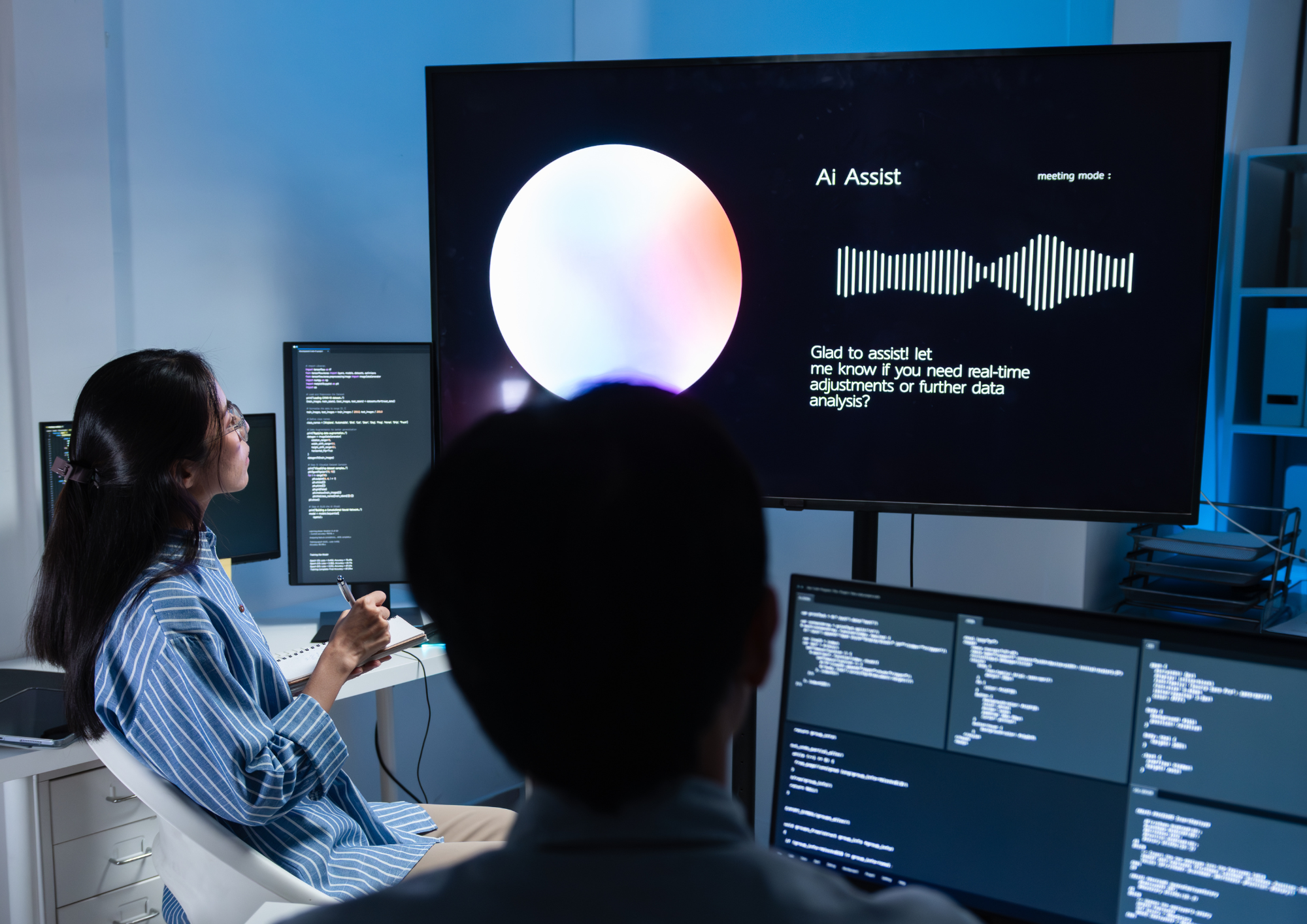
A screen goes dark in a distribution centre. Nobody logs it. The team finds out on Friday, when a site manager mentions it in passing. Multiply that across 40 locations and you have the quiet reason most screen networks stop earning their keep: not bad hardware, not bad content, just too much manual work spread across too few people.
What is automated digital signage?
Automated digital signage is a screen network where content updates, scheduling, and device monitoring run on rules and integrations rather than manual effort. Content flows in from the systems an organisation already uses, plays according to conditions set once, and hardware faults raise an alert before anyone walks past the screen. The person who used to keep the network alive stops being the network.
Why manual screen management breaks at scale
Twenty screens in one building are manageable. Someone keeps a spreadsheet, uploads a few slides each week, and walks the floor often enough to spot problems. At 200 screens across 15 sites, that model falls apart in three predictable ways.
Content goes stale first. The safety notice from last quarter is still playing because updating it means logging in, resizing an asset, and pushing it to the right group of screens. Second, faults become invisible. A player drops off the network and nobody knows until someone complains, which means uptime is measured by chance rather than by data. Third, control fragments. Individual sites start improvising, and brand consistency drifts across the estate without anyone deciding it should.
None of these are content problems. They are operational ones, and they scale in direct proportion to the number of screens.
What automation actually replaces
The phrase covers more ground than most vendors admit.
Content sourcing. Feeds pull live content from SharePoint, Teams, Slack, RSS, or a business intelligence dashboard directly into a publishing channel. A shift safety update posted once appears on the relevant screens without a second upload.
Scheduling and playback logic. Rules decide what plays where and when: production dashboards during shift hours, canteen menus at break times, site-specific messaging for one location only. Set the logic once and the schedule maintains itself.
Device health. Remote device management monitors uptime, reports player status, and allows reboots without sending anyone to site. Alerts arrive when a screen fails rather than when someone reports it.
Governance. Approval workflows, role-based permissions, and locked layouts keep the estate consistent while still letting local teams publish. This is the layer most organisations skip, and it is the one that prevents the wrong message appearing at the wrong site.
The metrics that change
Automation is easy to justify in the abstract and harder to prove, so pick measurements before you start. The ones worth tracking are uptime across the estate, average time from content request to content on screen, support tickets raised per 100 screens per month, and the proportion of screens running approved current content at any given moment.
Most teams find the second and third move fastest. When a comms lead can publish without raising an IT ticket, and IT can see device health from one dashboard, both sides get their time back. That is usually the strongest business case available, because it is measured in hours rather than impressions.
Choosing a platform without regretting it in year two
Three questions separate genuine automation from a slideshow with a scheduler attached.
Does it connect to the systems you already run? A platform that requires a parallel content ecosystem creates work rather than removing it. Integration with existing tools is the difference between automation and duplication.
Can IT manage the fleet remotely, at scale, with an audit trail? Ask specifically about device health reporting, remote reboot, security certification, and permission granularity. If those are add-ons rather than core capability, the support burden will grow with the estate.
Will it survive your growth? A platform that works across 50 screens and struggles at 500 is a migration project waiting to happen. Vendors such as ScreenCloud, a workplace communication platform running more than 100,000 screens across 60+ countries, publish their scale and certifications openly, making them straightforward to assess.
A realistic starting point for Automated Digital Signage
Do not automate everything at once. Start with an estate audit: how many screens, where, on what hardware, showing what, updated by whom. The results are usually worse than expected, and that is useful.
Then pick the single content type that changes most often, safety metrics, production data, or shift information, and connect it to its source system. Set device alerts on the same group of screens so you can measure uptime properly from day one. Once that group runs for a month without manual intervention, extend the pattern site by site.
Automated digital signage is not about doing more with screens. It is about removing the human bottleneck between a message and the people who need to see it, so the network keeps working when nobody is watching it. Audit your estate this quarter and see how much of the manual work you can hand over.
About Author